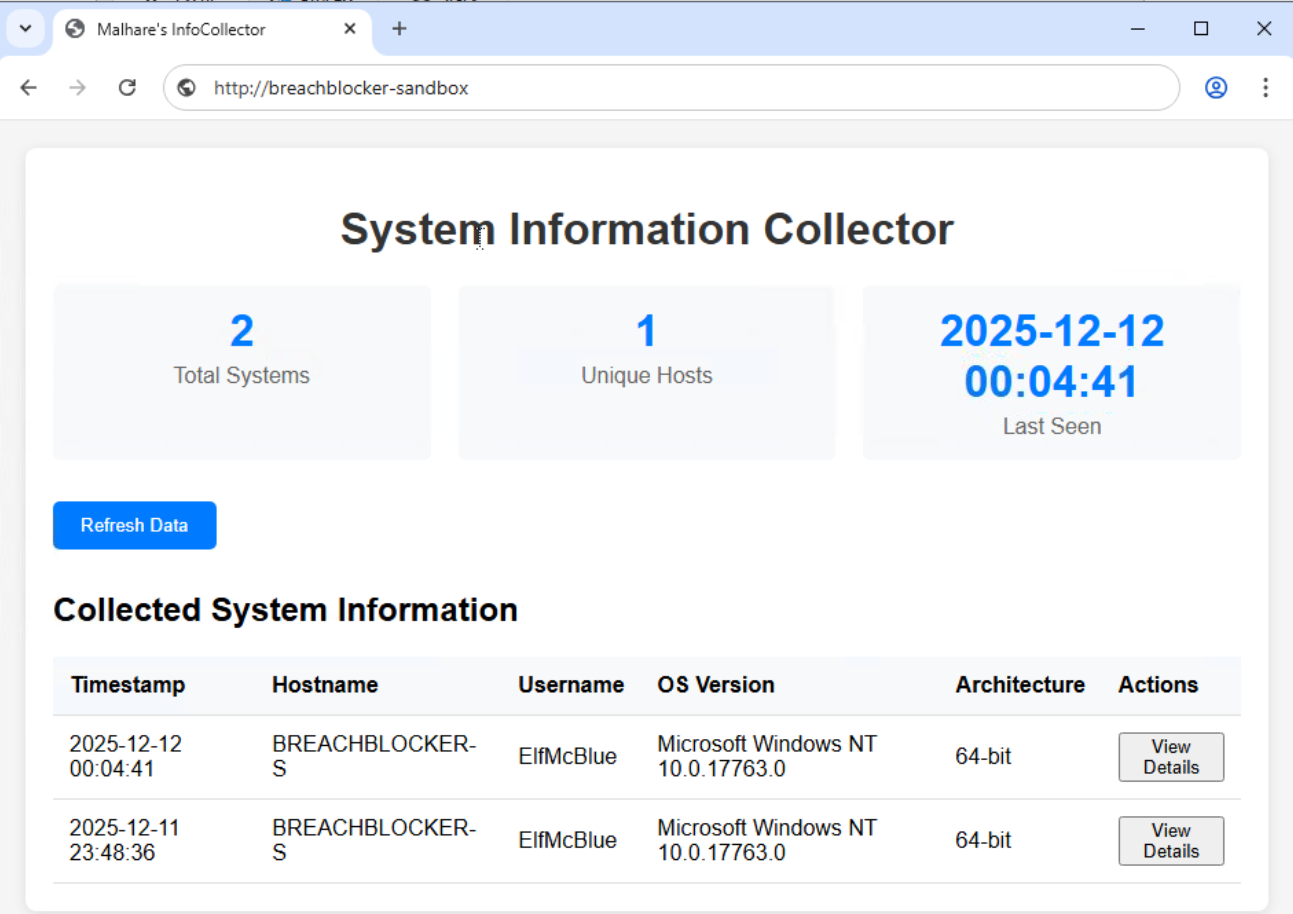
Malware Analysis (AoC 2025 D6)
Static and Dynamic malware analysis.

There are two main branches of malware analysis: static and dynamic. Static analysis focuses on inspecting a file without executing it, whereas dynamic analysis involves execution. We will come to these shortly.
Interactive: Static Analysis
We use static analysis to gather information about a sample without executing it and digging deep. Static analysis can be a quick and effective way to understand how the sample may operate, as well as how it can be identified.
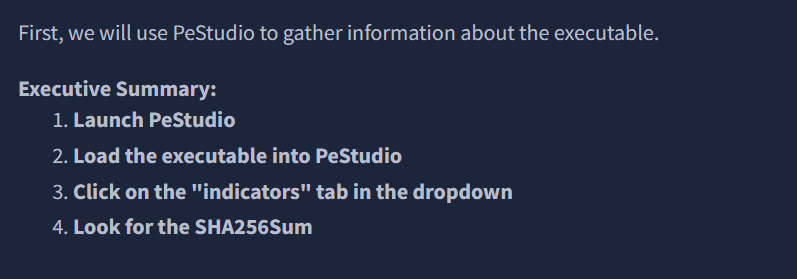
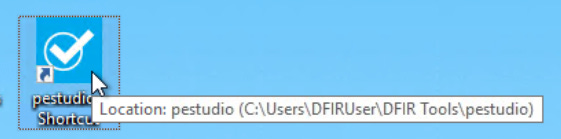
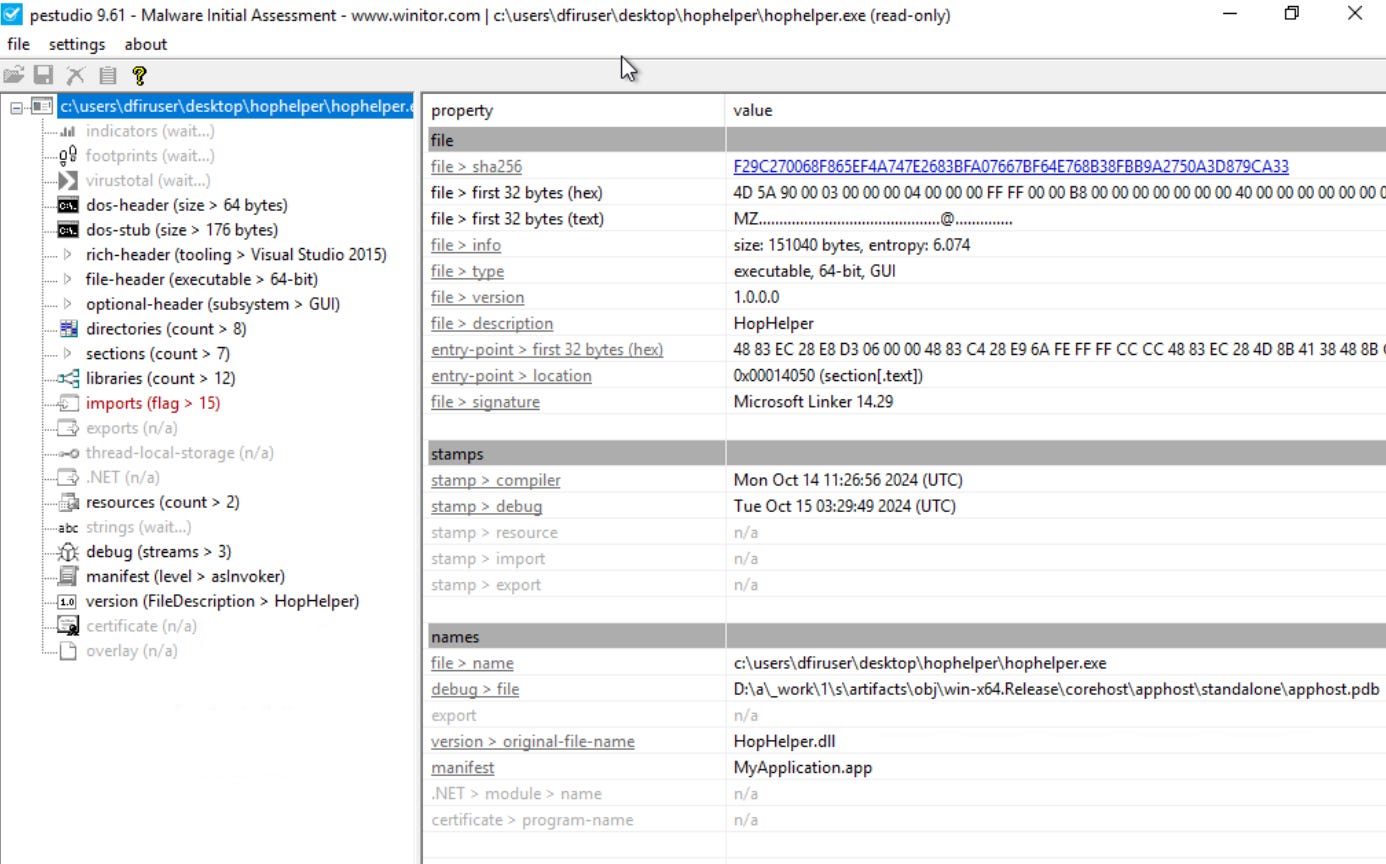
Static analysis: What is the SHA256Sum of the HopHelper.exe?
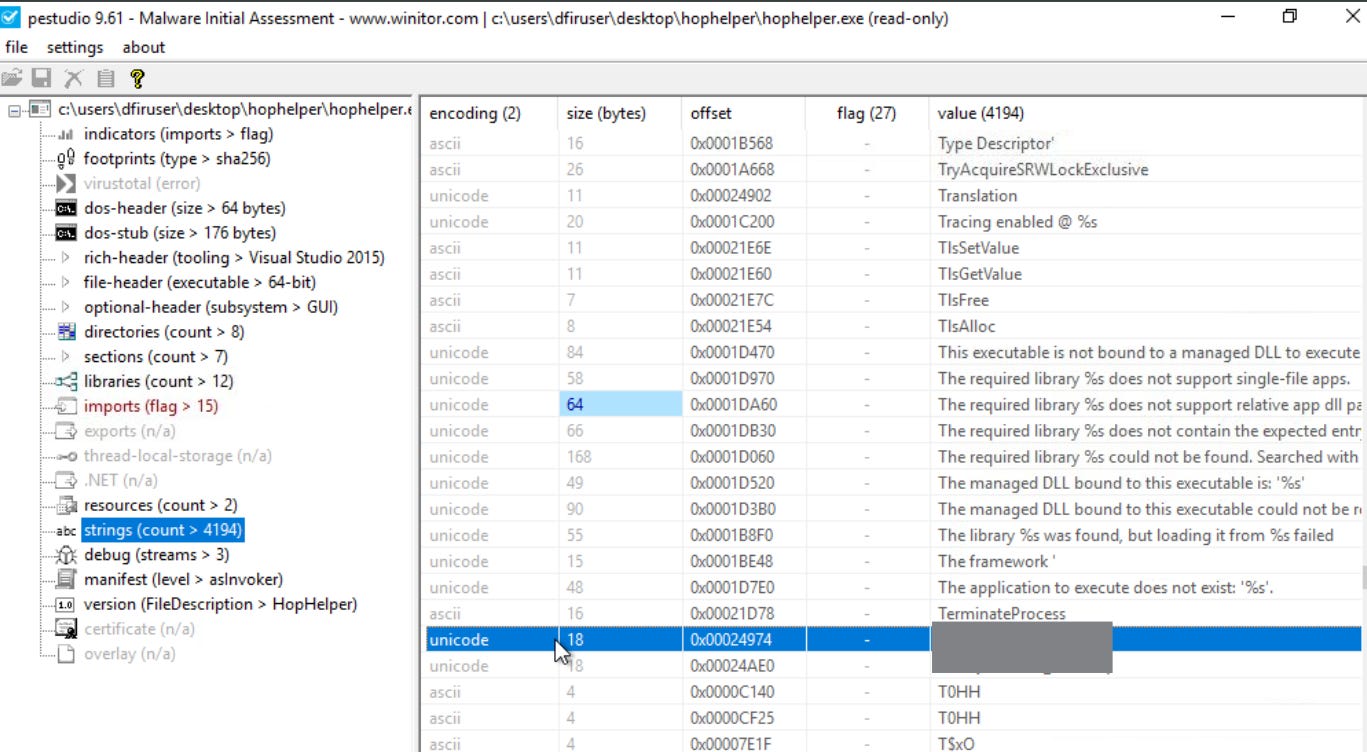
Static analysis: Within the strings of HopHelper.exe, a flag with the format THM{XXXXX} exists. What is that flag value?
Interactive: Dynamic Analysis
This section of the room provides a brief introduction to dynamic analysis. As you recall, dynamic analysis involves executing the malicious sample to identify its behaviours and how it interacts with the operating system.
Regshot
Regshot is a widely used utility, especially when analyzing malware on Windows. It works by creating two “snapshots” of the registry—one before the malware is run and another afterwards. The results are then compared to identify any changes.
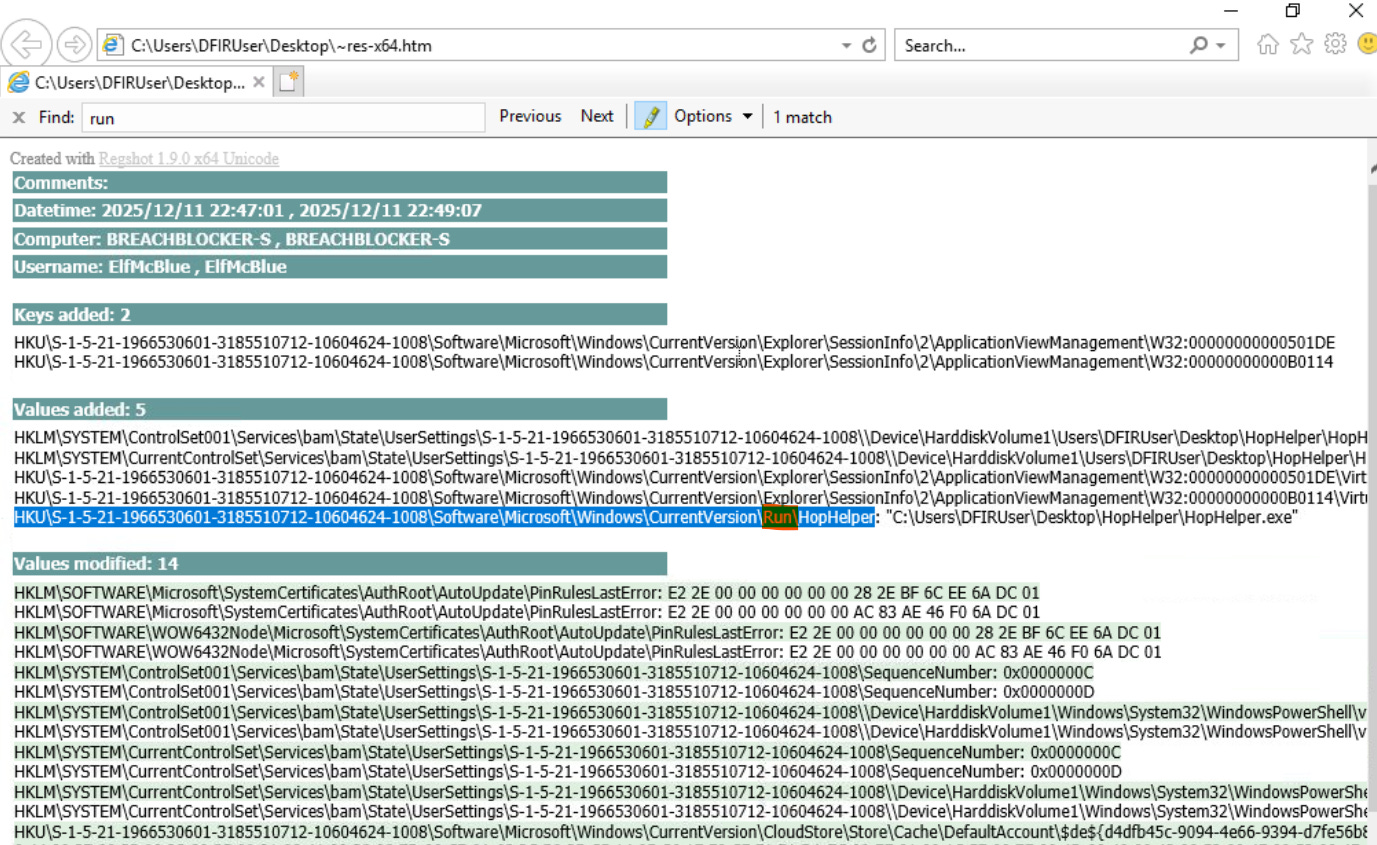
Malware aims to establish persistence, meaning it seeks to run as soon as the device is switched on. A common technique for malware is to add a Run key into the registry, which is frequently used to specify which applications are automatically executed when the device is powered on.

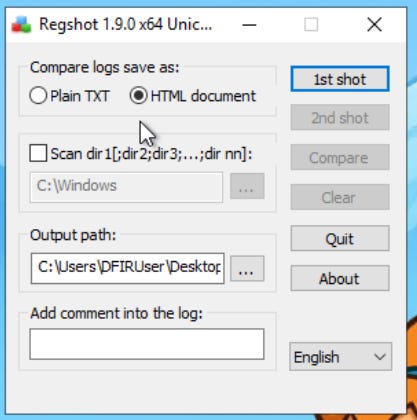
1st shot > Shot
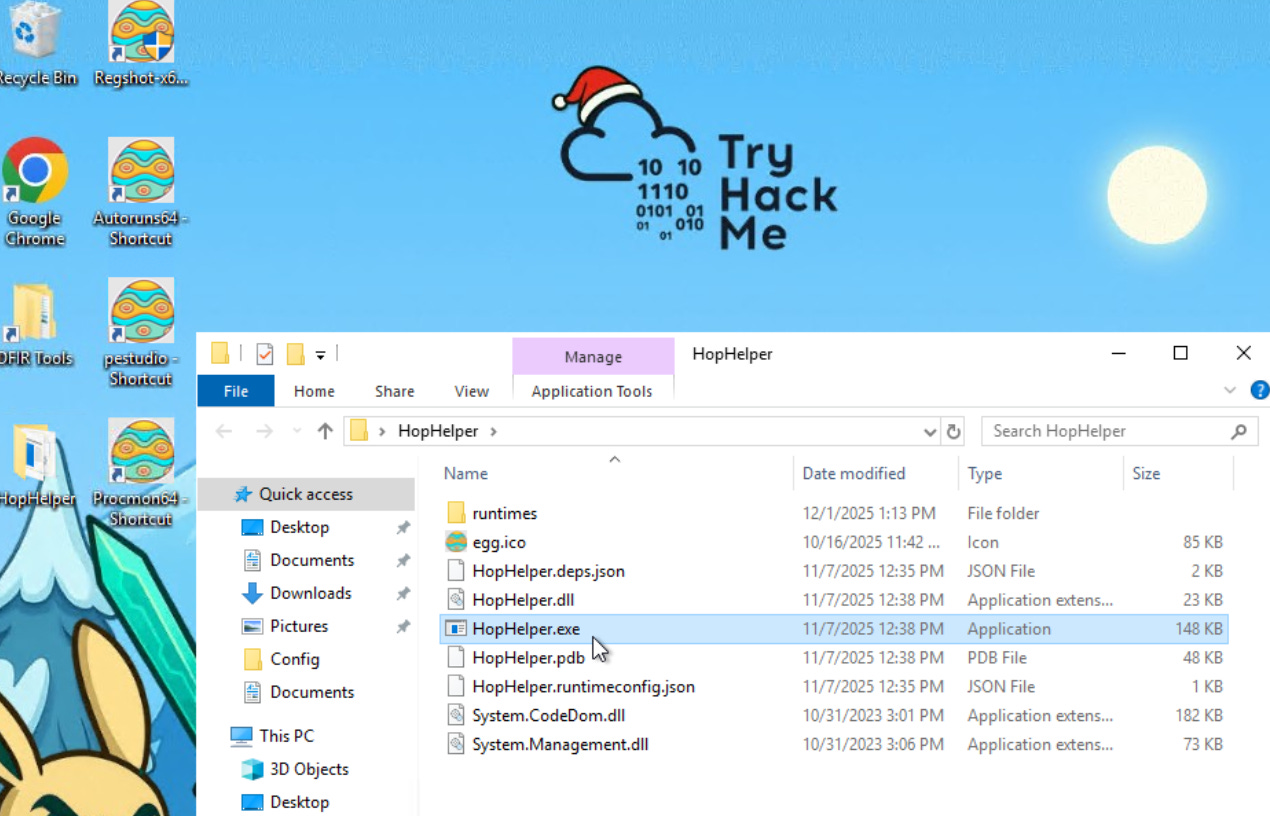
Run the malware
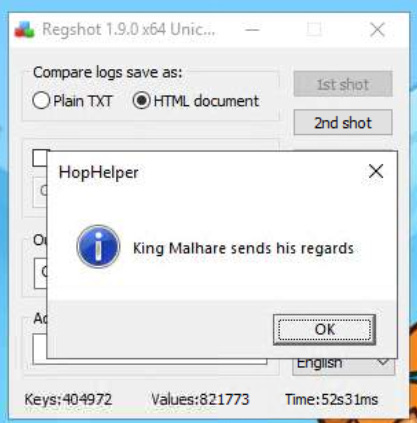
2nd shot > Shot
Compare
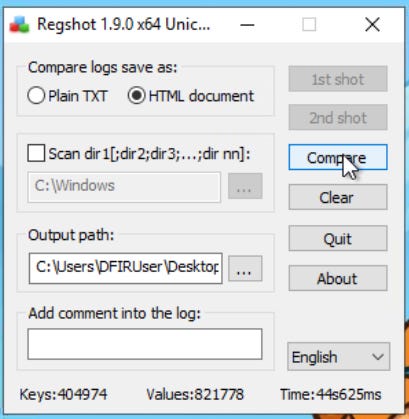
Dynamic analysis: What registry value has the HopHelper.exe modified for persistence?
ProcMon
Next, we will explore using ProcMon (Process Monitor) from the Sysinternals suite to investigate today’s sample. Process Monitor is used to monitor and investigate how processes are interacting with the Windows operating system. It is a powerful tool that allows us to see exactly what a process is doing. For example, reading and writing registry keys, searching for files, or creating network connections.
Open ProcMon
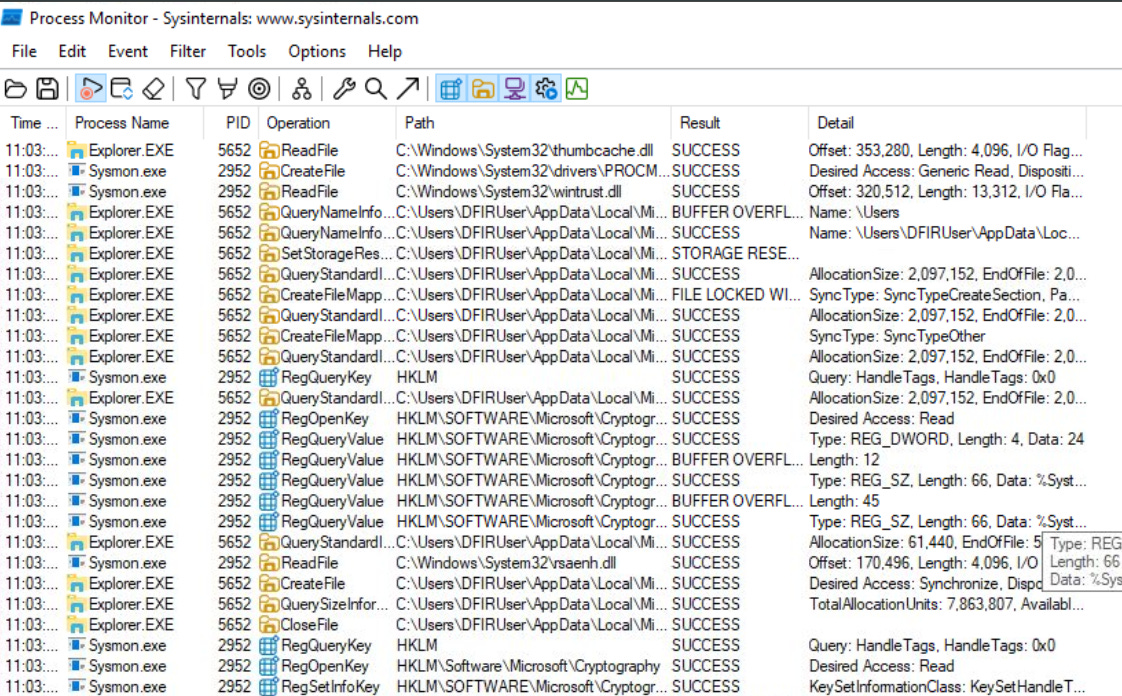
Run the malware
Stop capturing
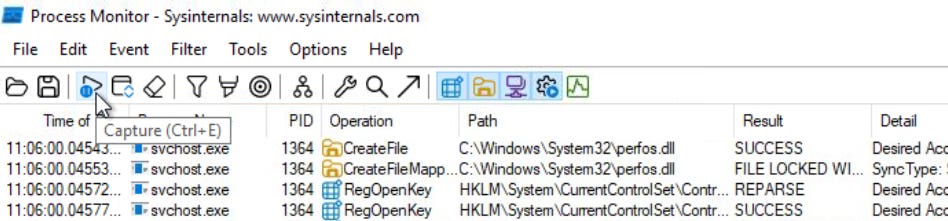
Filter events by Process Name.
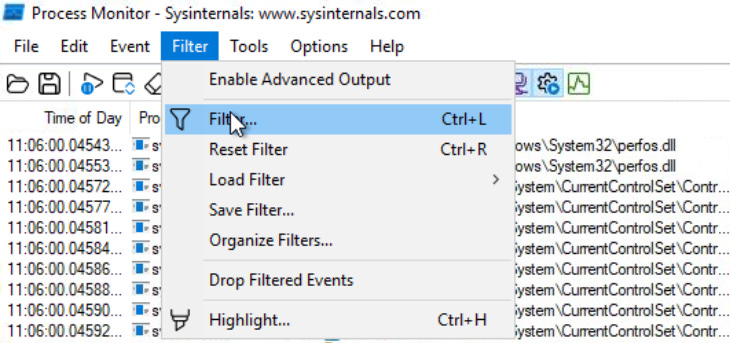
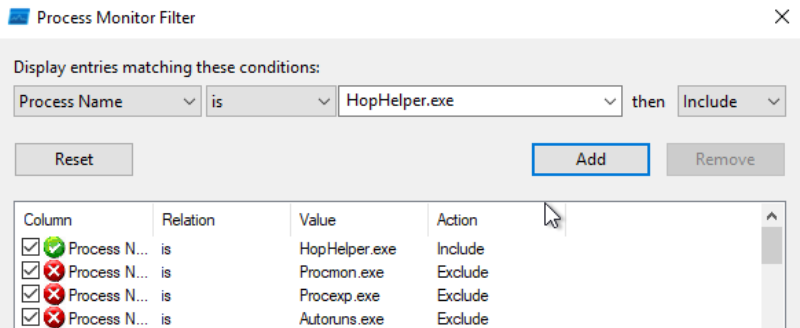
Result
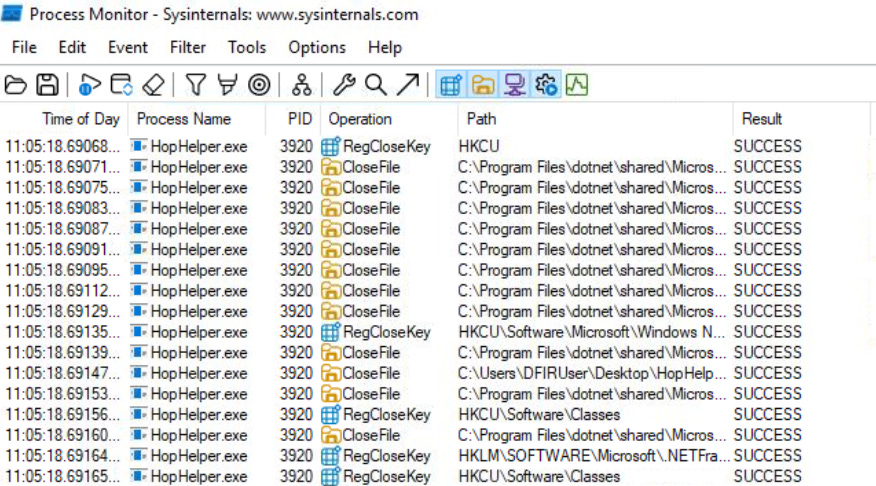
Now it is much easier to investigate how the process is interacting with the operating system. Here are some Operations that may be of interest to us:
RegOpenKey
CreateFile
TCP Connect
TCP Recieve
Further filter events by Operation.
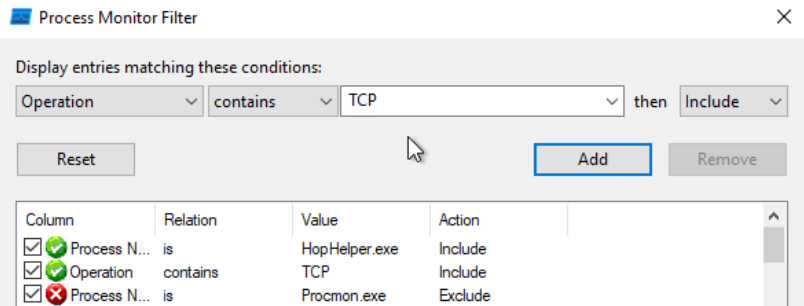
Result
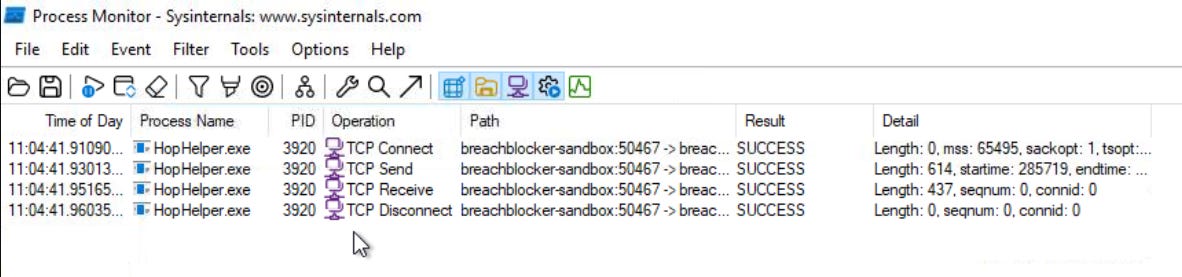
Dynamic analysis: Filter the output of ProcMon for “TCP” operations. What network protocol is HopHelper.exe using to communicate?

Bonus: Can you find the web panel that HopHelper.exe is communicating with?
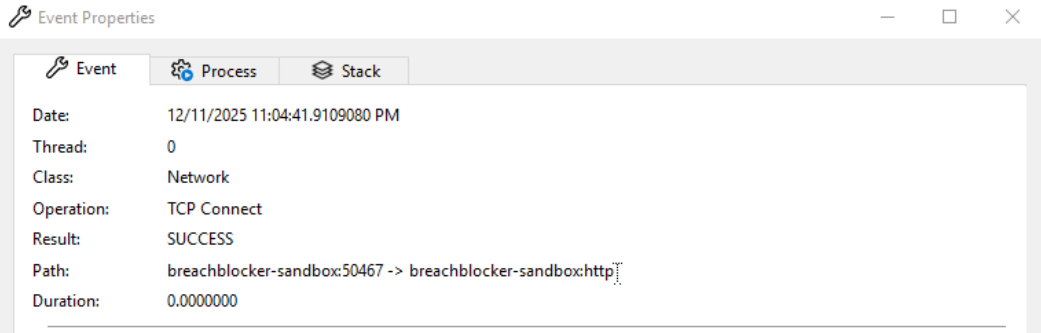
Paste the link to Chrome.